
Turn your browser into a code editor
Open any source file you find on the web in a real editor — 150+ languages, live preview, and smart completion. No setup, no sign-up.
Free to use. Works offline. Read the docs →
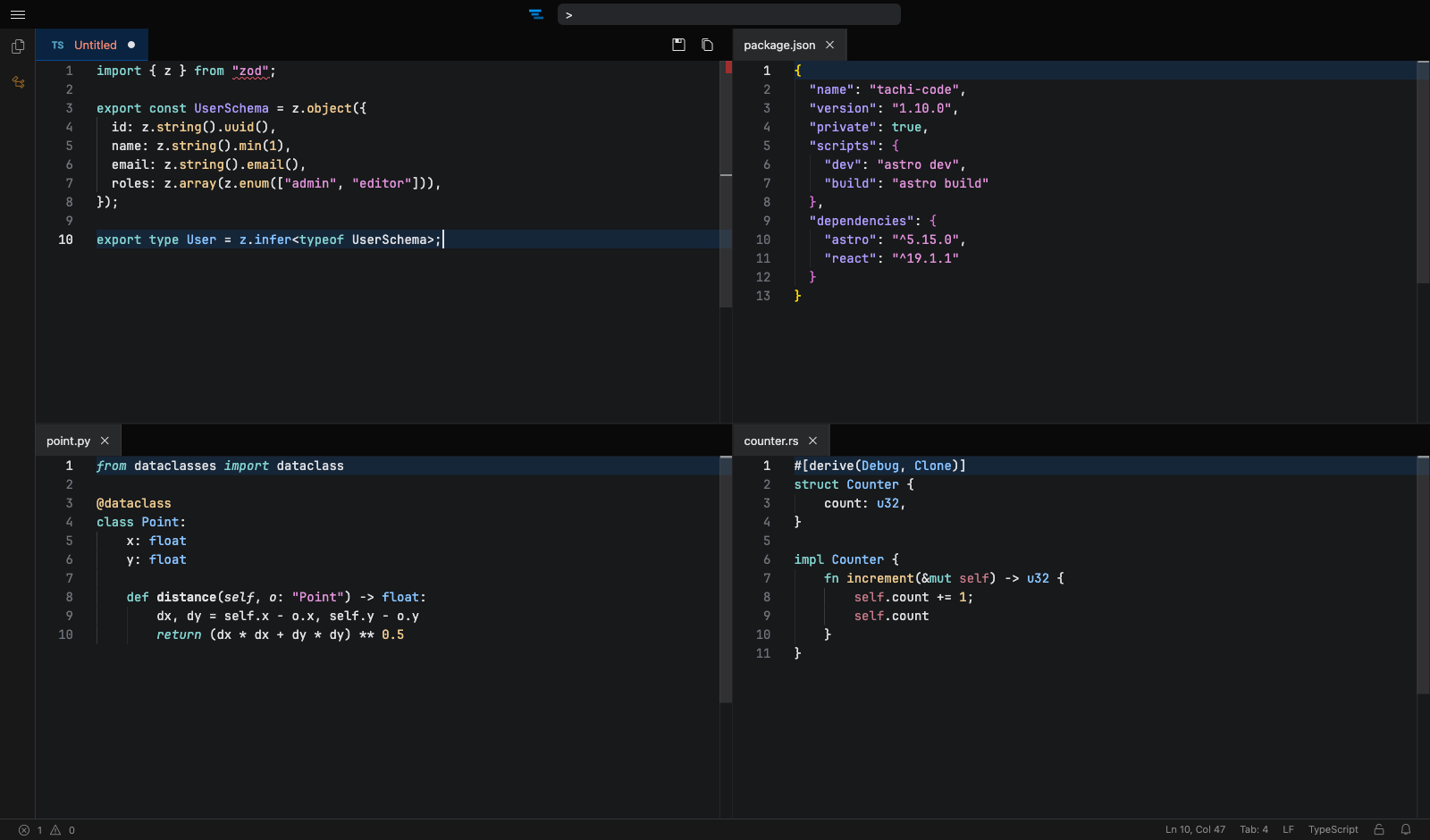
Everything you need, in one tab
Built on the Monaco editor with Shiki highlighting — previews, data editing, and exports for the files you work with every day.
-
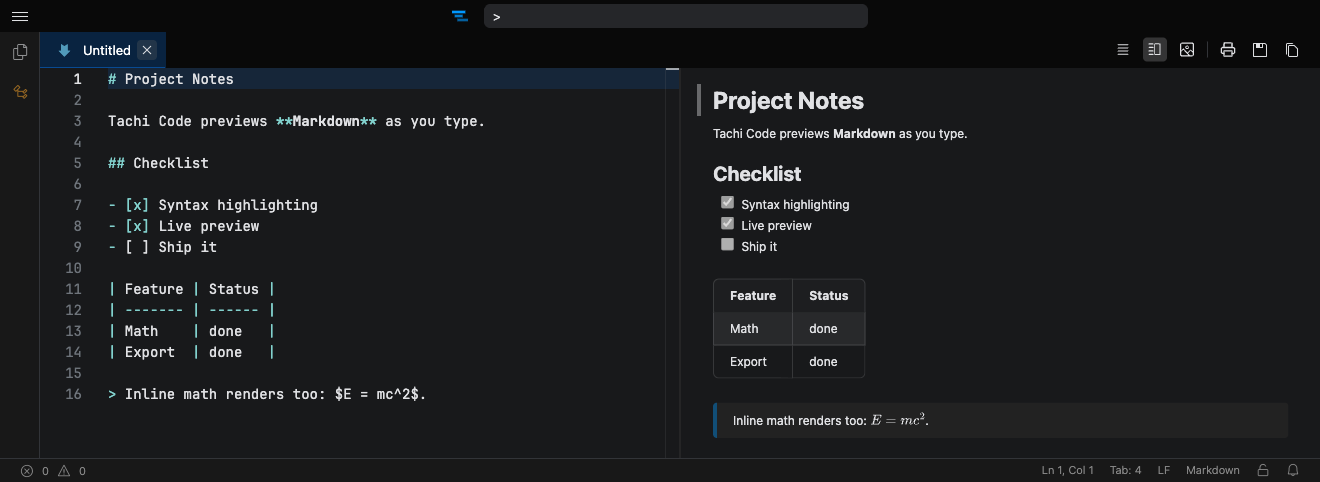
Markdown live preview
Edit Markdown beside a live preview with GitHub-flavored rendering and LaTeX math — then export it as a clean, print-ready PDF.
-
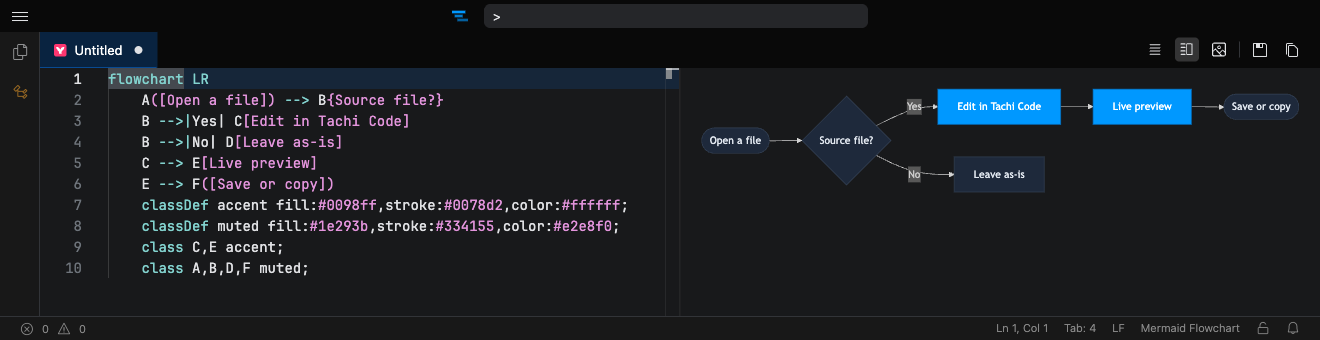
Mermaid & SVG diagrams
Write Mermaid or edit SVG and watch it render instantly beside your code: flowcharts, sequence diagrams, and dozens more.
-
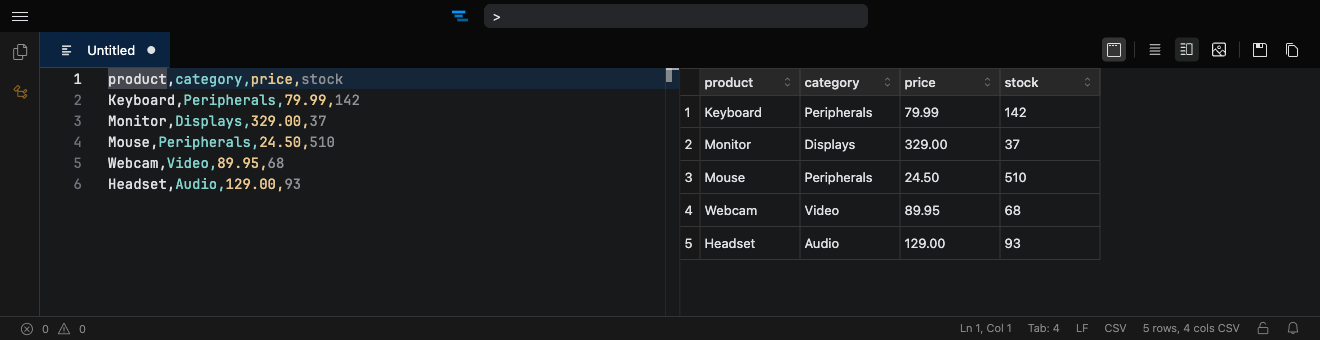
Edit CSV like a spreadsheet
Open CSV and TSV files in a grid and edit cells inline, with clipboard paste, keyboard navigation, and full undo.
-
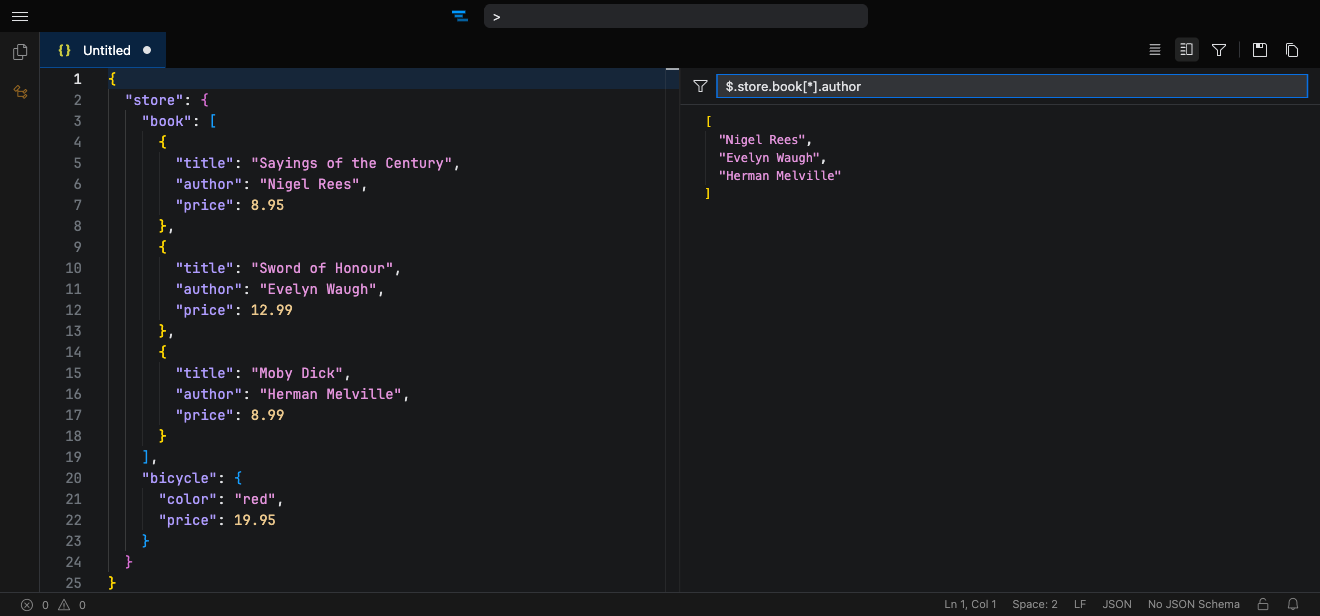
Query JSON with JSONPath
Drill into large JSON and JSONC documents with a live JSONPath filter pane that updates as you refine the expression.
Built into the page you're on
The browser extension brings the editor to the source files and snippets you already find on the web.
Right-click context menu
Open files in Tachi Code, compare text, paste into a new file, view page source, or edit SVGs — straight from the browser's menu.
Learn more →Automatic source detection
Tachi Code detects raw source files as you browse and opens them in an injected editor, ready to read and edit in place.
Learn more →Open in Tachi Code
Send the current page to Tachi Code with a keyboard shortcut — as an embedded editor or in a new tab.
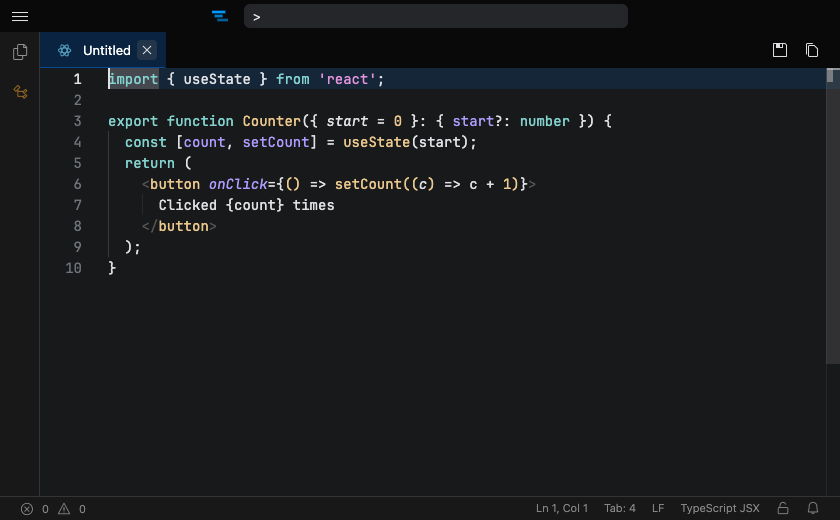
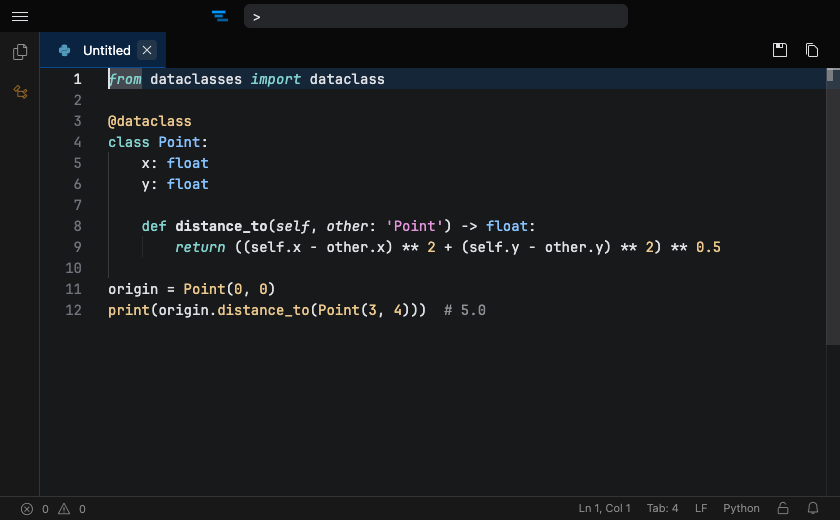
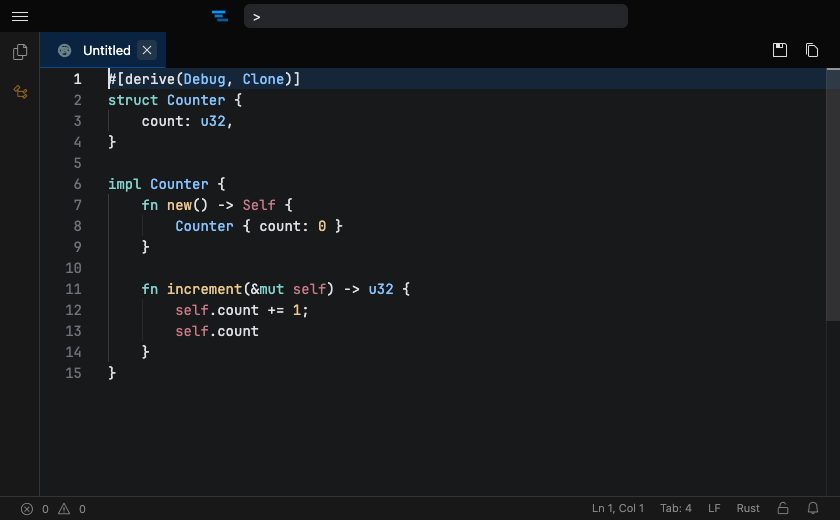
Learn more →Beautiful highlighting for your stack
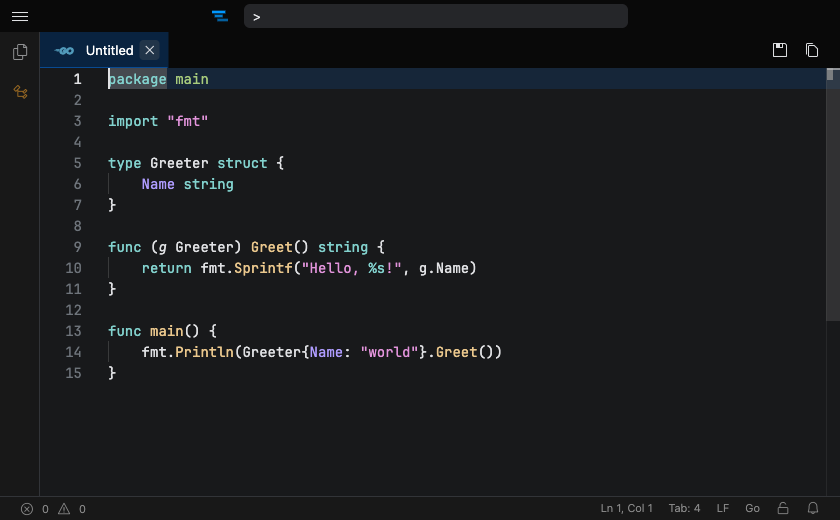
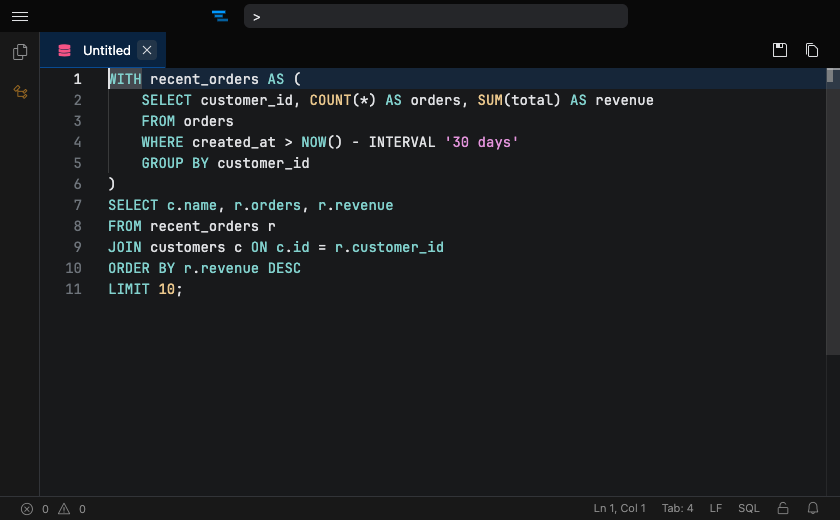
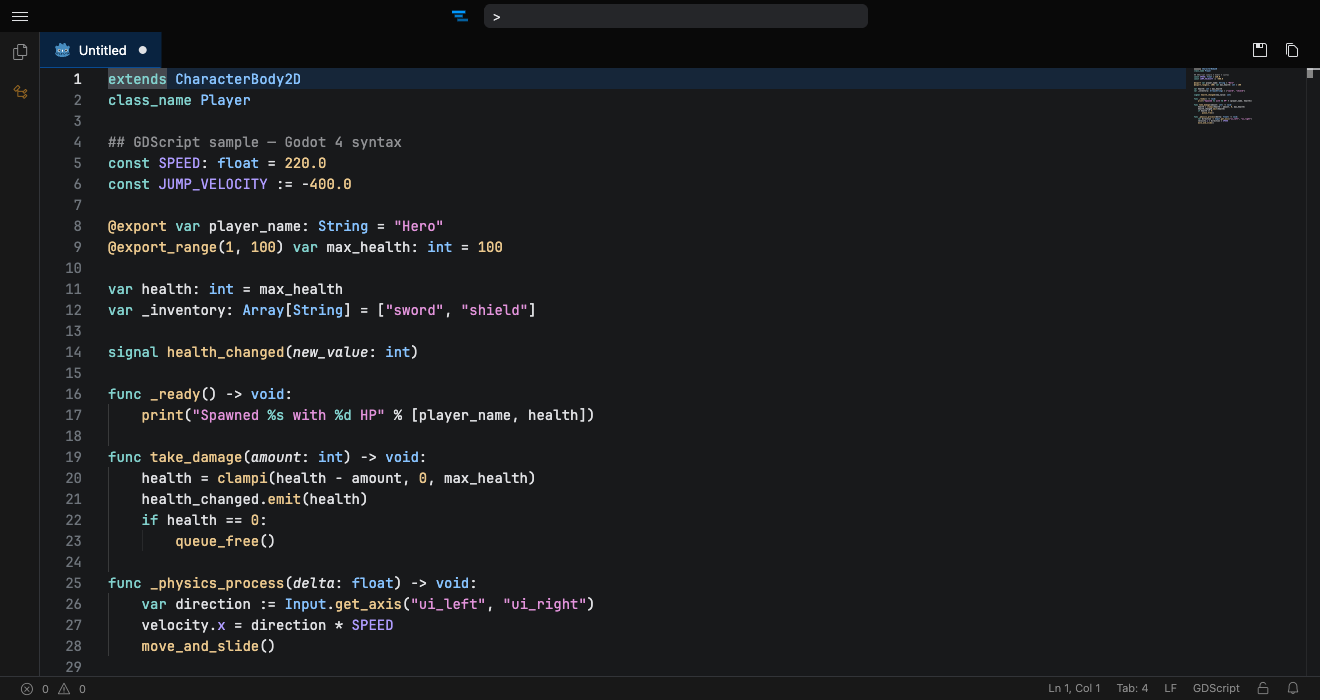
Powered by Shiki, the same highlighter behind VS Code — from everyday languages to the niche ones.
Make it your own
Switch between a library of bundled color themes — from Armada to Catppuccin and the GitHub themes — or import your favorites from VS Code.
Add it to your browser
Available for Chrome, Edge, and Firefox — or skip the install and use the web app at tachicode.dev.



Also works in Brave, Arc, Opera, and other Chromium browsers.
Frequently asked questions
Is Tachi Code just VS Code in a trench coat?
Nope. The editor is built on the Monaco editor (the same core that powers VS Code) and reuses VS Code's theme system, but the rest of the application is built from the ground up in React.
Does Tachi Code save my files?
When the editor is injected into a web page, your changes stay in the tab — copy them to the clipboard or download the file. On the web app at tachicode.dev, the experimental File Explorer can open a local folder and save edits straight back to disk. Either way, nothing is uploaded to a server.
What data does Tachi Code collect?
The browser extension doesn't collect any data. tachicode.com and tachicode.dev use Cloudflare's privacy-friendly analytics for basic, aggregate usage stats (outside the EU).
Can I use Tachi Code offline?
Yes. Tachi Code is designed to work offline; only a few features, like downloading additional themes or JSON schemas, need a connection.