
SVG Preview
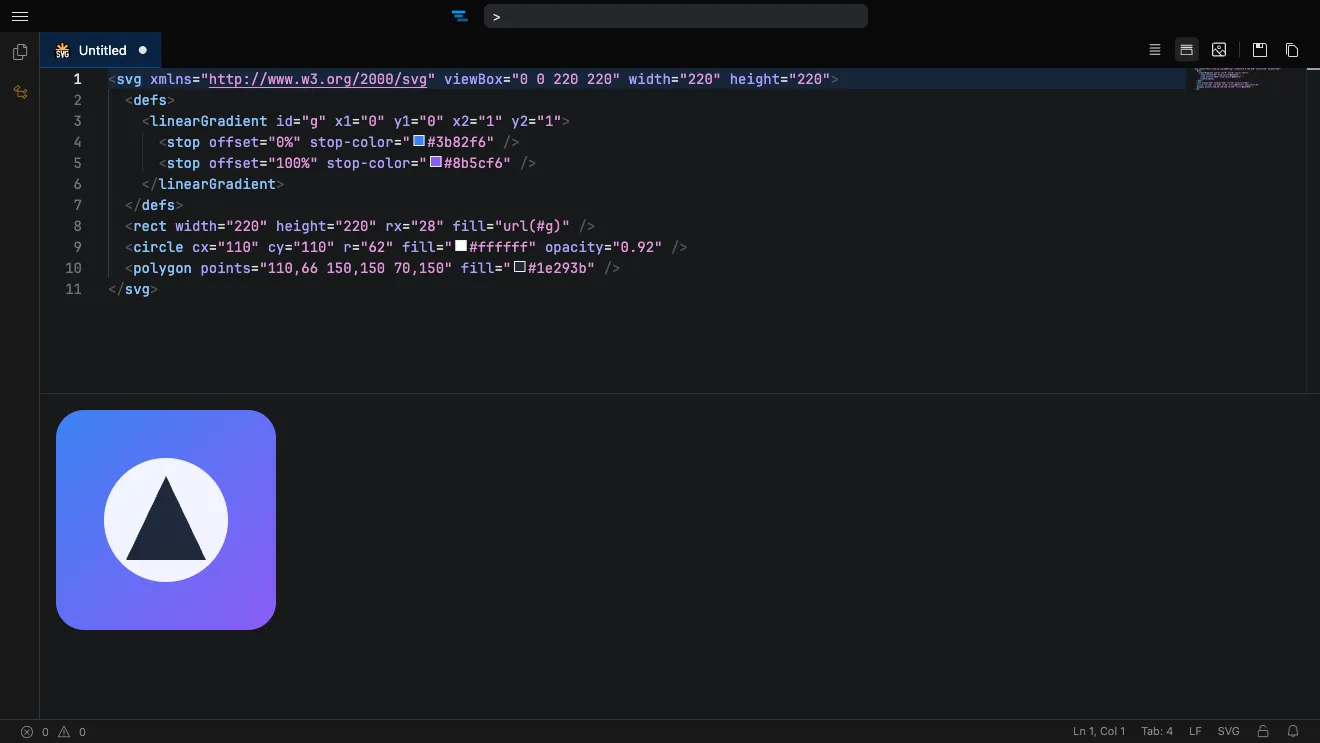
SVG files render in a live preview pane that shows the image exactly as a browser would, while you edit the markup alongside it.
Default preview mode
Section titled “Default preview mode”The SVG preview defaults to an editor-and-preview split view.
Change the layout used when you first open an SVG file with the svgPreview.defaultMode setting, which supports Side by Side, Hidden, and Fullscreen modes.
You can also toggle whether the preview updates as you type with svgPreview.livePreview .
Exporting
Section titled “Exporting”Right-click the rendered image in the preview to export it:
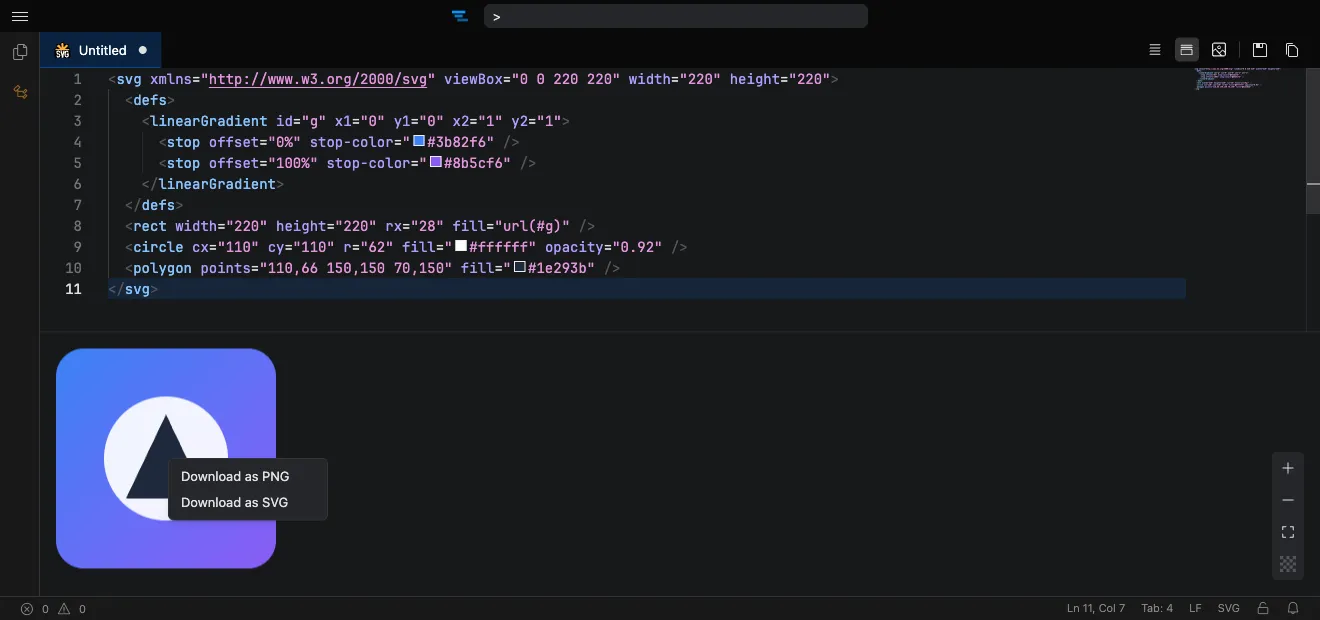
- Download as PNG — saves a raster image rendered from the SVG.
- Download as SVG — saves the vector markup as an
.svgfile.
Formatting
Section titled “Formatting”SVG markup can be formatted with Prettier alongside the other supported languages. See Code Formatting for details.