
What's new in Tachi Code v1.10.0?
This release brings new previews and editing tools to several common file types. You can now edit CSV files as a spreadsheet, query JSON with JSONPath, and view images inline. Markdown renders live LaTeX math and exports to a clean, print-ready PDF. It also adds eleven new languages and support for new Mermaid diagram types.
New features
Section titled “ New features”CSV preview with inline editing
Section titled “CSV preview with inline editing”CSV and TSV files now render in a spreadsheet-style preview pane alongside the editor.
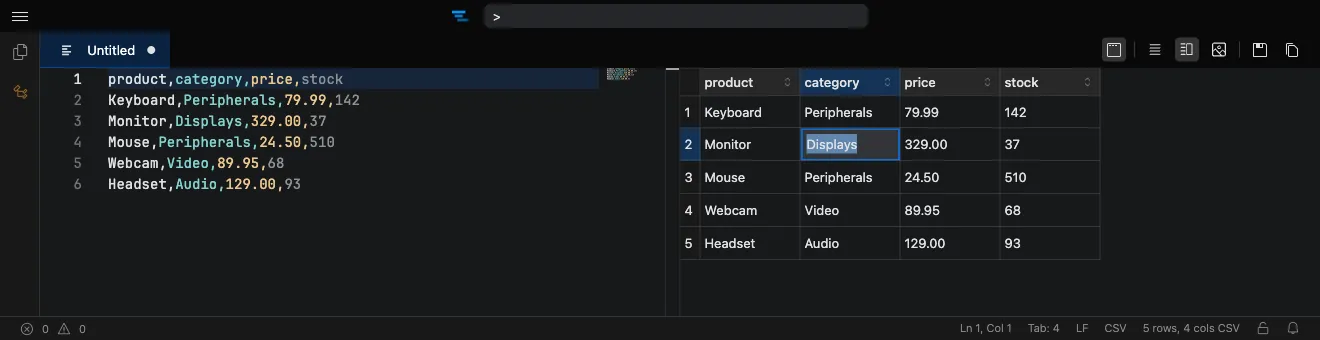
You can edit cells directly in the grid: just start typing to edit a cell, paste tabular data from your clipboard, and navigate with the keyboard. Edits commit when you move away from a cell and flow back into the underlying file, with full undo/redo support.
Two settings control the preview:
- csvPreview.firstRowIsHeader treats the first row as a header row by default.
- csvPreview.maxFileSize caps the file size (in MB) that will be parsed, so very large files stay responsive.
Image viewer
Section titled “Image viewer”Raster image files now open in a dedicated image viewer instead of being shown as raw bytes.
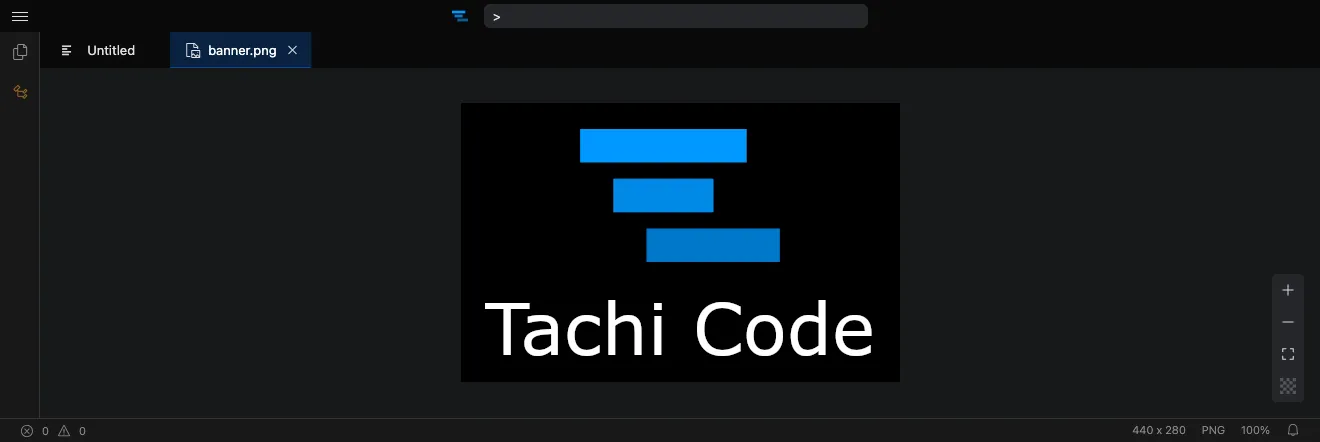
Supported formats include PNG, JPEG, GIF, WebP, AVIF, BMP, ICO, and TIFF. SVG files continue to use the existing SVG preview.
JSONPath filter pane
Section titled “JSONPath filter pane”JSON and JSONC files gain a JSONPath filter pane for drilling into large documents.
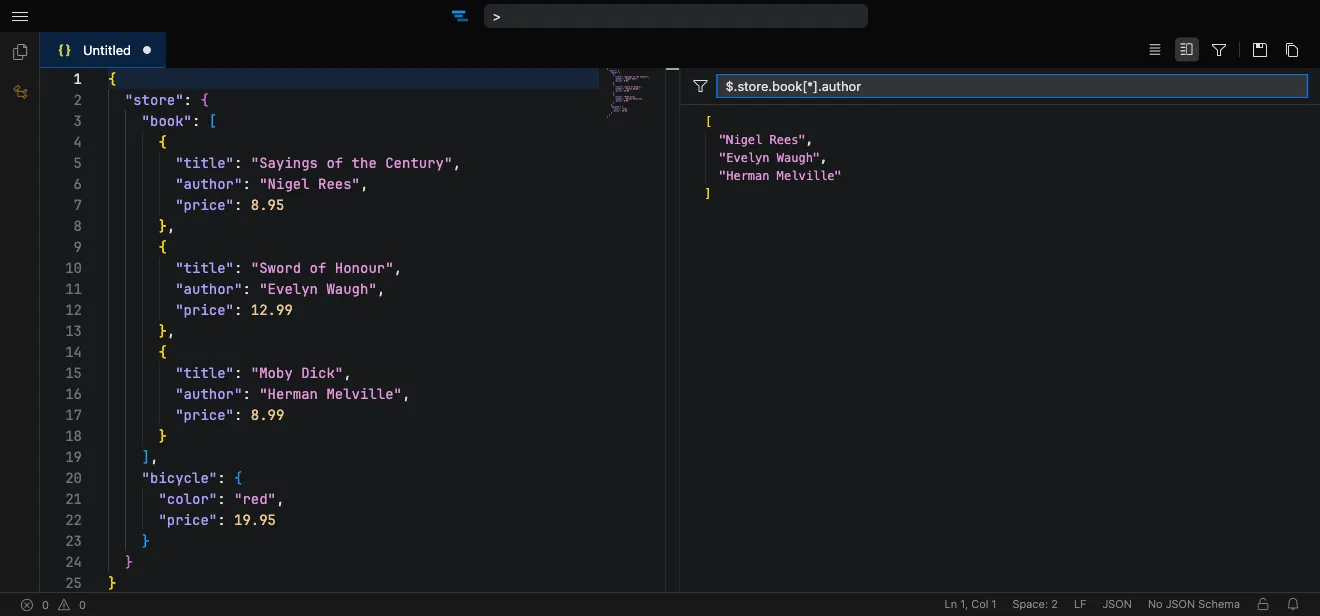
Open it with JSONPath: Toggle Filter Pane, enter a JSONPath expression, and see the matching subset of the document.
Math rendering in the Markdown preview
Section titled “Math rendering in the Markdown preview”The Markdown preview can now render LaTeX math expressions and MathML.
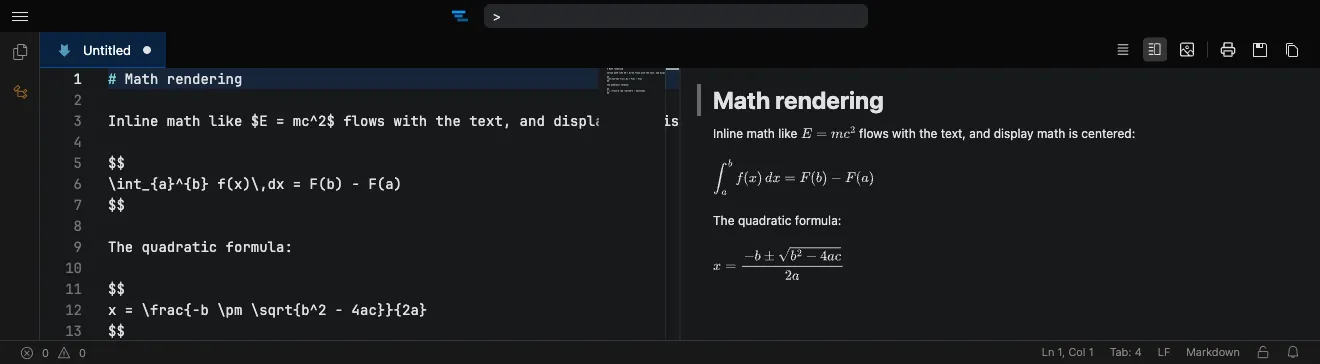
Use $...$ for inline math and $$...$$ (or a fenced code block tagged math) for display math.
This is controlled by the markdownPreview.enableMathRendering setting and is enabled by default.
Markdown print preview (and PDF export)
Section titled “Markdown print preview (and PDF export)”A new Markdown: Print Preview action opens a clean, print-optimized rendering of the current Markdown file in your browser’s print dialog.
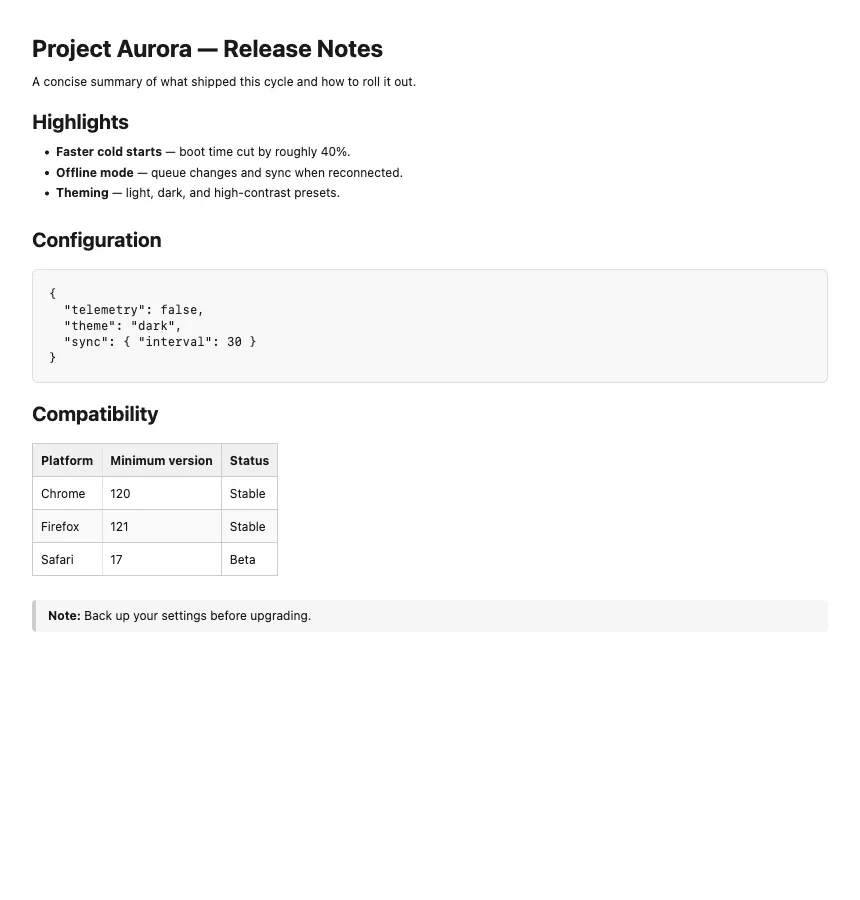
Because it goes through the browser’s native print flow, you can choose Save as PDF as the destination to turn any Markdown file into a beautifully formatted PDF — headings, tables, code blocks, lists, blockquotes, and math all carry over.
The markdownPreview.printPreserveCodeStyles setting preserves your theme’s syntax-highlighting colors and backgrounds in code blocks when printing, which is handy for light, print-friendly themes.
New language support
Section titled “New language support”Upgrading to Shiki 4.1.0 adds syntax highlighting for eleven new languages:
- Bird2
- C3
- GDResource
- GDScript
- GN
- Just
- MoonBit
- Nextflow (Groovy)
- Odin
- RON
- SurrealQL
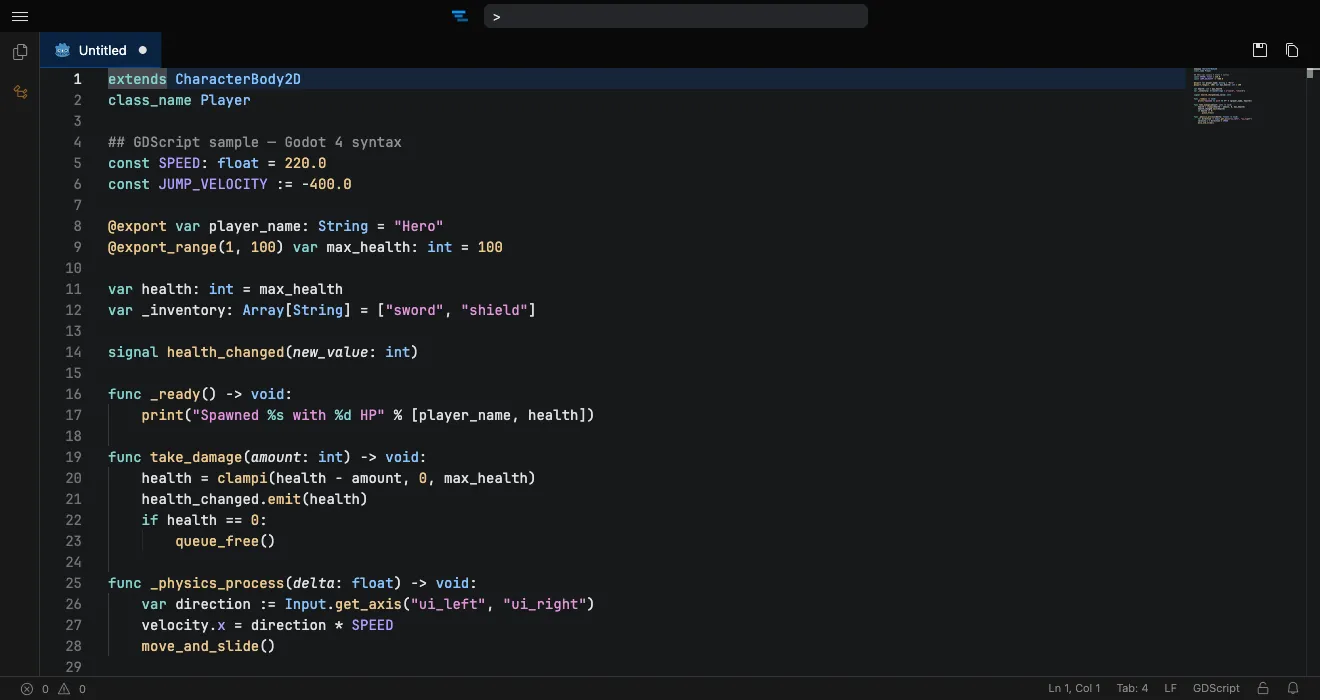
New Mermaid diagram types
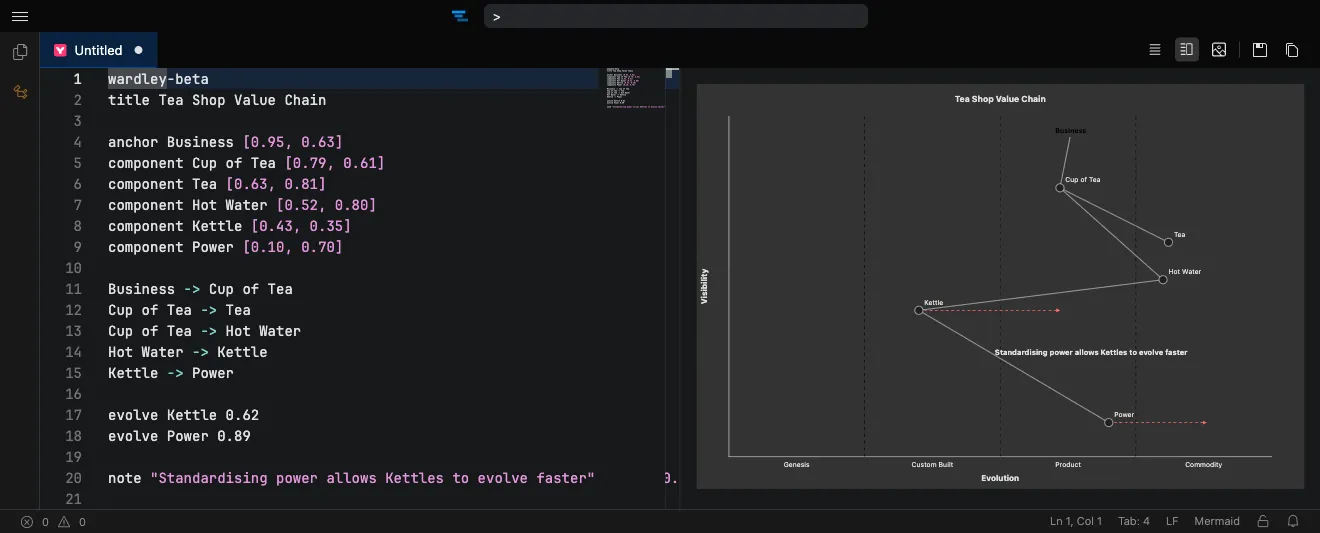
Section titled “New Mermaid diagram types”Upgrading to Mermaid 11.15.0 adds support for its newest diagram types.
Tachi Code now recognizes and renders eventmodeling, ishikawa, treeView, venn, and wardley diagrams.
Improvements
Section titled “ Improvements”- The Mermaid and SVG previews now default to an editor-and-preview split view.
You can change this with the mermaidPreview.defaultMode and svgPreview.defaultMode settings, each of which supports
Side by Side,Hidden, andFullscreenmodes. - Upgraded bundled runtime dependencies, including Shiki 4.1.0 and Mermaid 11.15.0, picking up upstream fixes and security updates. As always, the complete list of dependencies is available in the SBOM via the About dialog.
Bug fixes
Section titled “ Bug fixes”- Fixed the language mode picker preview being dismissed by automatic language detection while you were still cycling through languages.
- Fixed automatic language detection being blocked on new untitled tabs that defaulted to plain text.
- Fixed codicon icons falling back to placeholder boxes in non-editor contexts (such as the popup and before the editor finished loading) due to an incorrect font path.